From a domain to a readiness score.
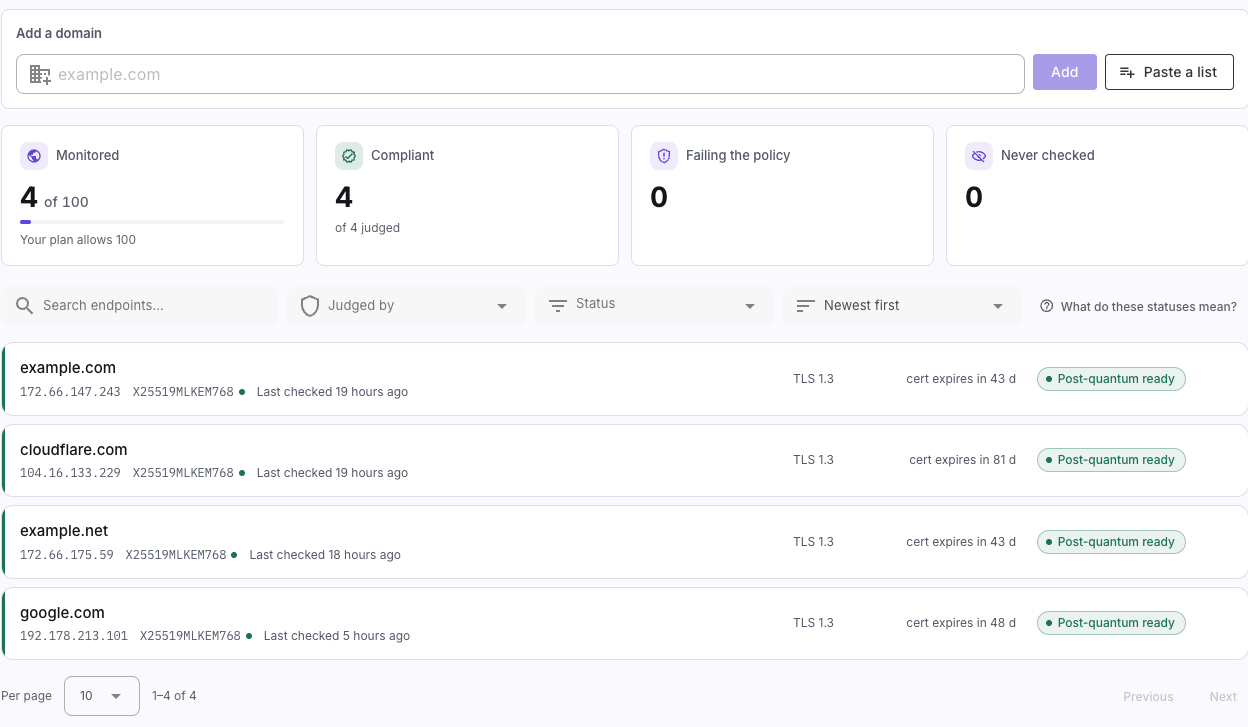
Name a domain you serve a TLS website over and Ciphersound checks it every 24 hours. Nothing to install, and no credentials or special access are needed.
A small command-line tool for Windows, macOS and Linux. It runs from your own machine, so results show what your network actually exposes, including hosts that are not public.
Verify the checksum against the published release before you run it in a sensitive environment.
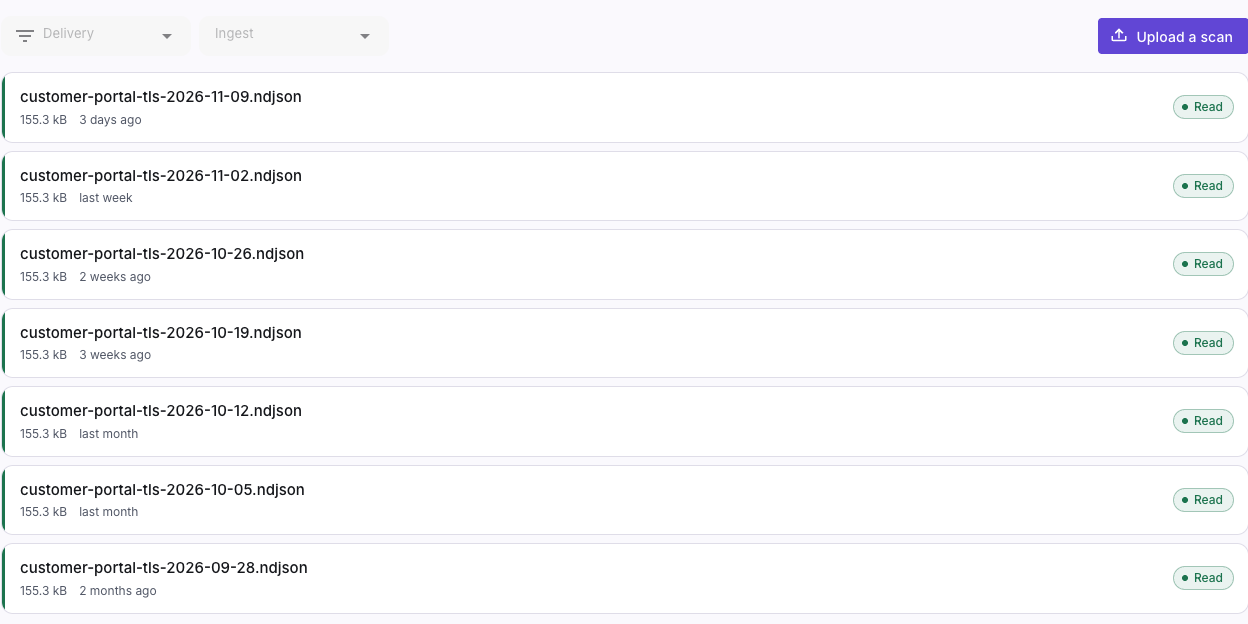
Point the scanner at the TLS endpoints you are authorized to check, by hostname, IP range or a list file. It completes the handshake and records which algorithm each host negotiated, without changing anything on the host. Then upload the results.
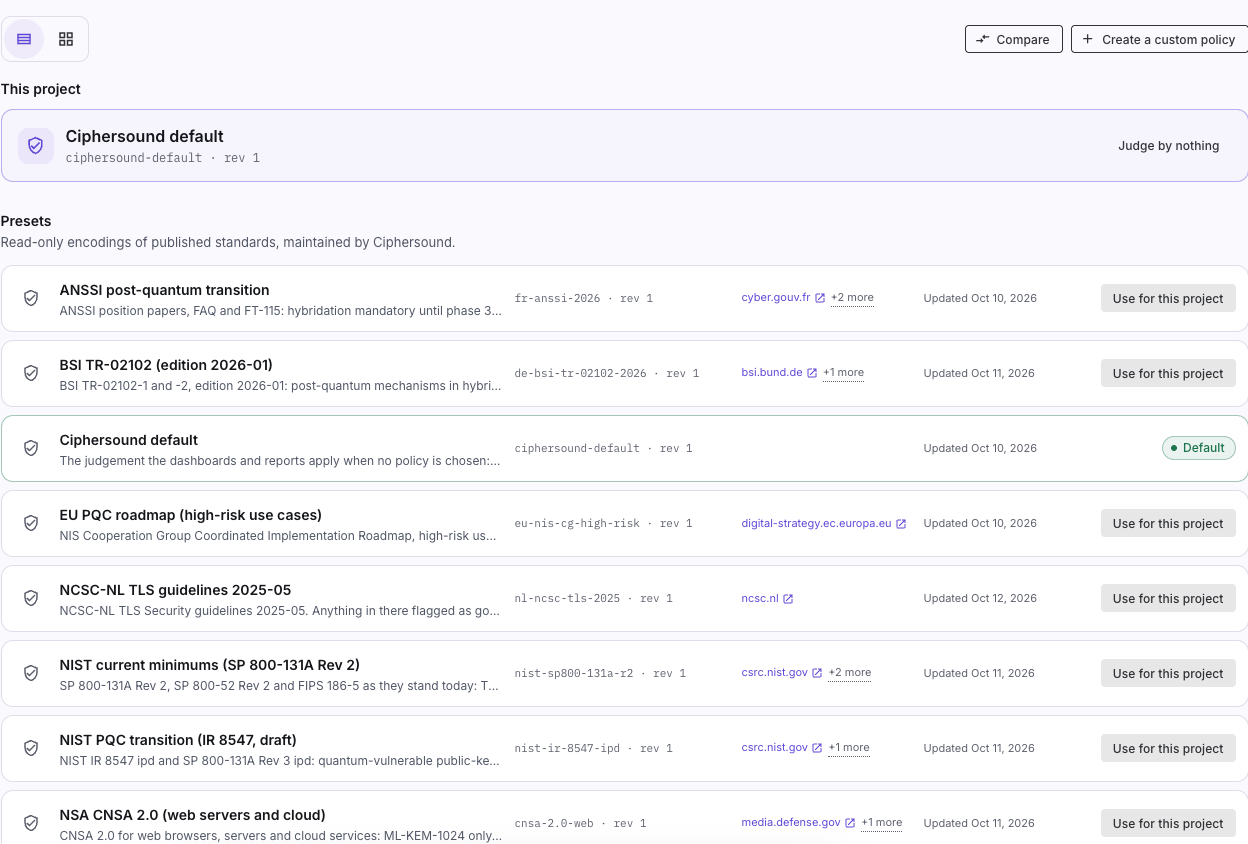
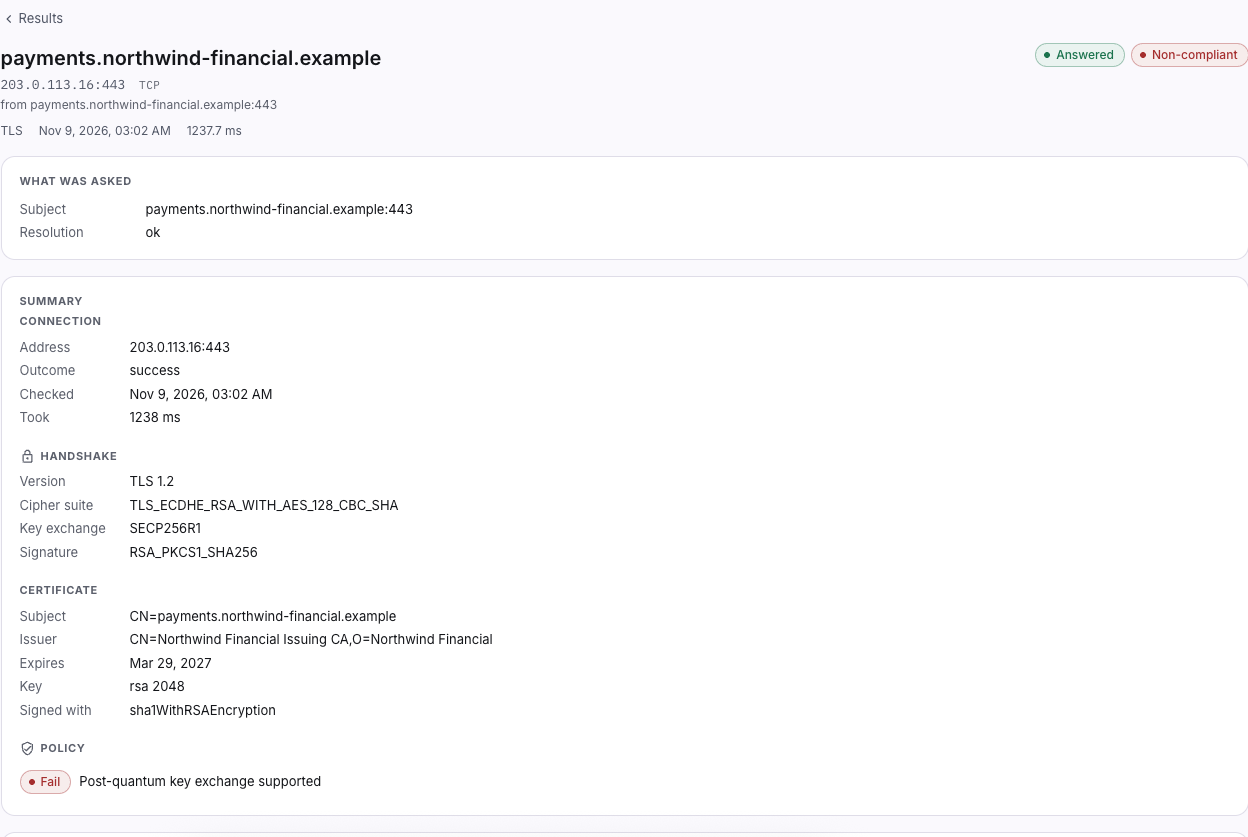
The policy decides which endpoints, algorithms and versions count as compliant. Every host then shows pass or fail, with the specific algorithm it negotiated, so you can take it straight to whoever owns that system.