How Ciphersound works.

Four steps take you from a domain name to a readiness score you can act on. Public domains need nothing installed.

Get started
2 of 4 done
A few steps to your first picture of how this project measures up.
Add a public endpoint
Name a domain you serve a TLS website over and we check it every 24 hours.
2
Download the scanner
Scans run from your own machine, so results show what your network actually exposes.
3
Run a scan and upload the results
Point the scanner at your hosts, then upload the results.
Choose a policy
The policy decides which endpoints, algorithms and versions are compliant.
The checklist you see when you create an account.

From a domain to a readiness score.

1
Add a public endpoint

Name a domain you serve a TLS website over and Ciphersound checks it every 24 hours. Nothing to install, and no credentials or special access are needed.
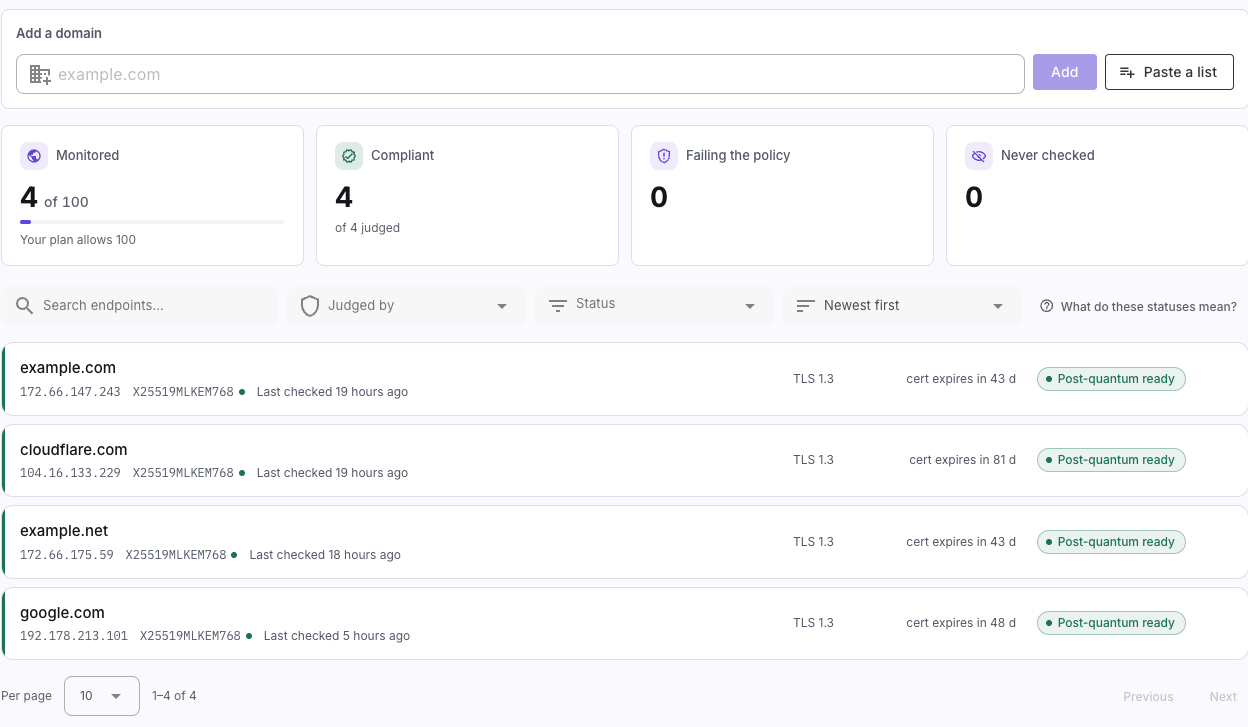
The Public Endpoints page: an Add a domain box and a list of monitored domains marked post-quantum ready
2
Download the scanner

A small command-line tool for Windows, macOS and Linux. It runs from your own machine, so results show what your network actually exposes, including hosts that are not public.

Windows
macOS
Linux

Verify the checksum against the published release before you run it in a sensitive environment.

3
Run a scan and upload the results

Point the scanner at the TLS endpoints you are authorized to check, by hostname, IP range or a list file. It completes the handshake and records which algorithm each host negotiated, without changing anything on the host. Then upload the results.
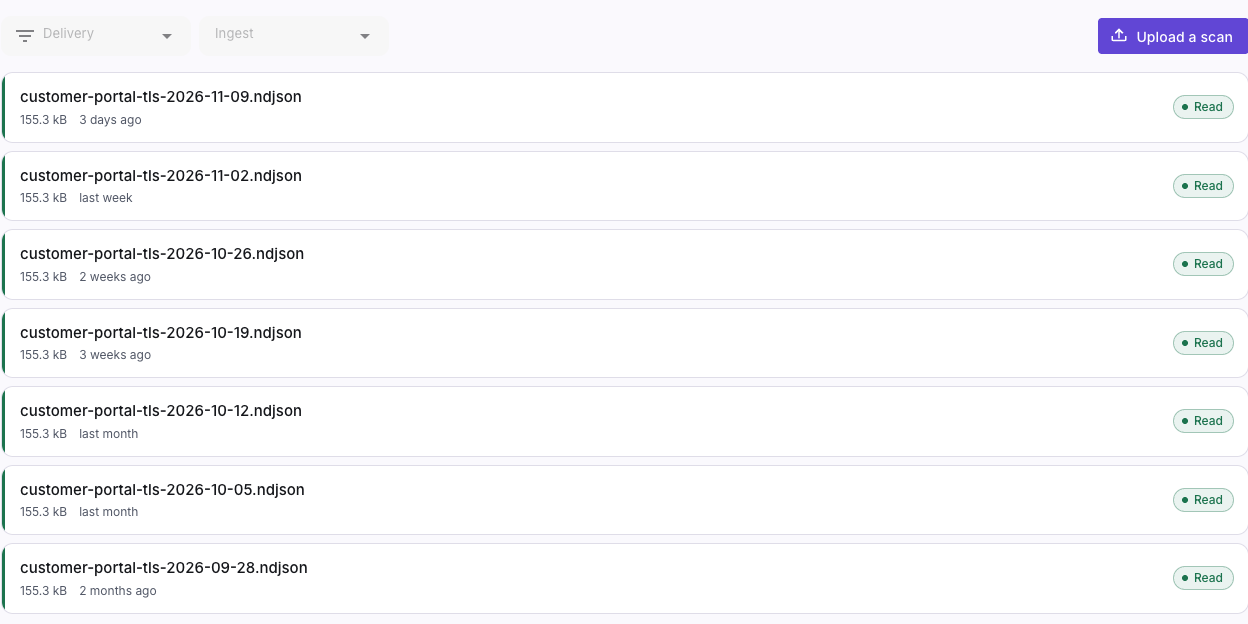
The Uploads page, listing scan files and whether each was read
Upload with one command
Send the results straight to your account.
Export a file and import it later
For air-gapped environments where the scanning machine has no outbound network access.
4
Choose a policy

The policy decides which endpoints, algorithms and versions count as compliant. Every host then shows pass or fail, with the specific algorithm it negotiated, so you can take it straight to whoever owns that system.
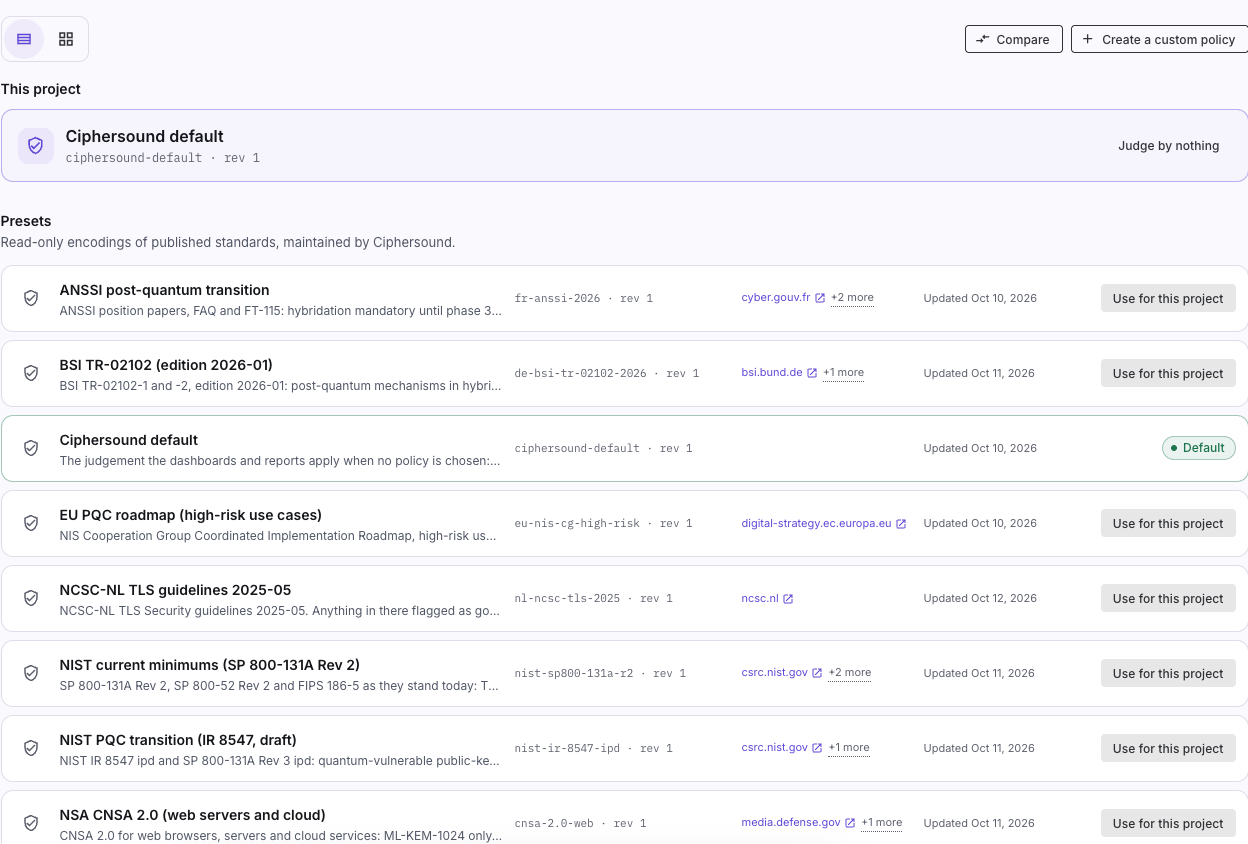
The Policies page: a list of published standards, with one chosen for the project

Public domains and internal hosts.

Both end up in the same dashboard, so you see one readiness percentage.

Public domains
Add the domain once. Ciphersound reads the public TLS handshake, the same one any browser performs, and re-checks it automatically. Nothing is installed.
Internal hosts
Run the scanner inside your network, then upload the results. It reaches private services that no outside check can see.

Free check or free account?

A free check needs no signup. A free account adds automatic scanning and the scanner for private networks.

FeatureFree checkFree account
Signup requiredNoYes
Domains checked1 at a timeUp to 5, scanned automatically
Private network scanningNot includedIncluded, with the downloadable scanner
ResultsPartial, as a teaserFull per-host report

After the first scan.

Review host status
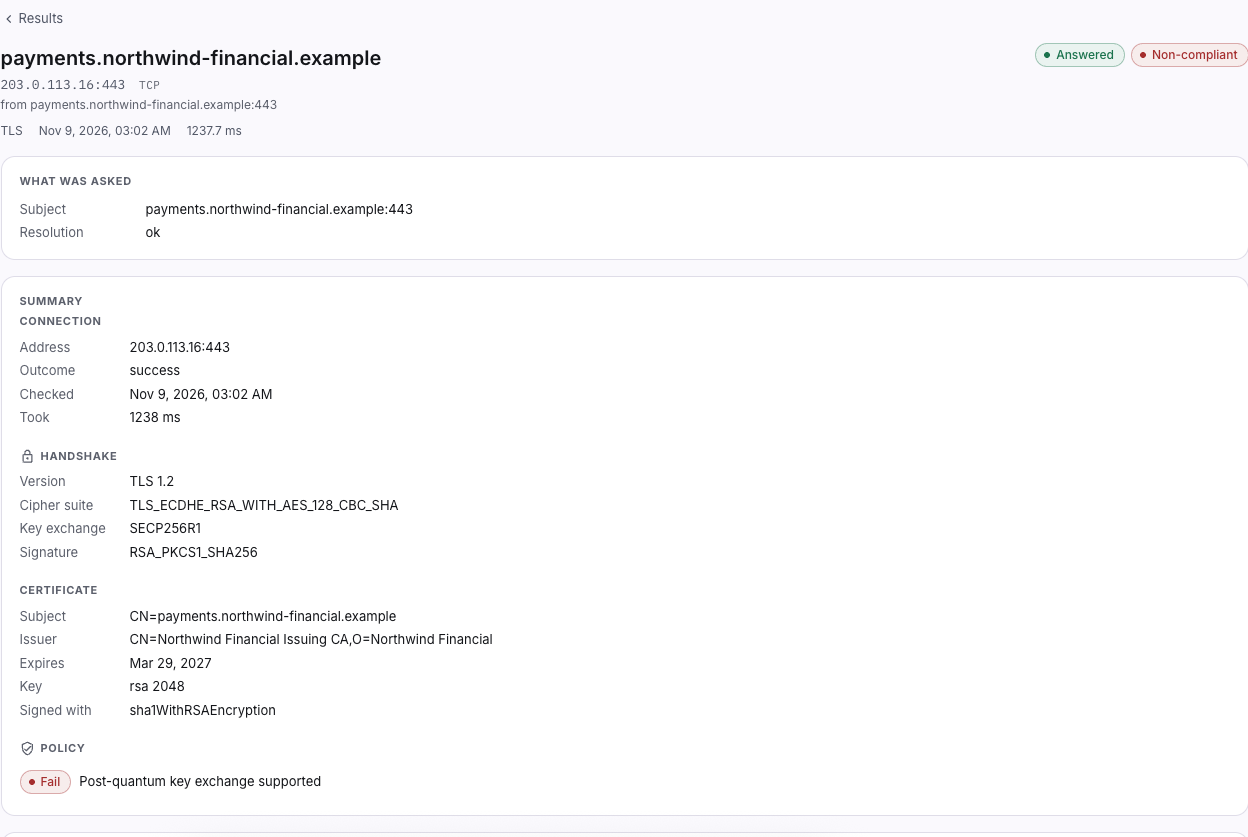
Every host shows pass or fail for the algorithm it negotiated, with the algorithm name beside it.
Track readiness over time
Re-scan whenever you like. Public domains re-check on their own, and your overall percentage moves as hosts are fixed.
Result for one host: TLS 1.2 negotiated, marked non-compliant, with a Fail on post-quantum key exchange

Questions.

How does Ciphersound check a domain?

It inspects the public TLS handshake for the domain, the same handshake any browser or client performs, and reports which key exchange and signature algorithms were negotiated. No credentials or special access are required, and nothing is installed on the target infrastructure.

Does the free account cover infrastructure that is not public?

Yes. A free account includes the scanner, which can check internal networks, private services and similar. Results from those scans go into the same dashboard as your automatically scanned public domains, giving you one view.

See your own PQC exposure.
Start with one domain and nothing installed.